Built for Real AI Workflows
See how AI developers use TaskFlow Queue to build reliable, production-grade pipelines.

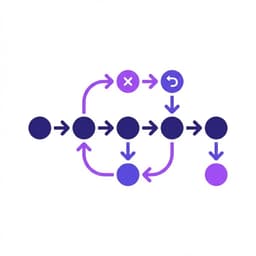
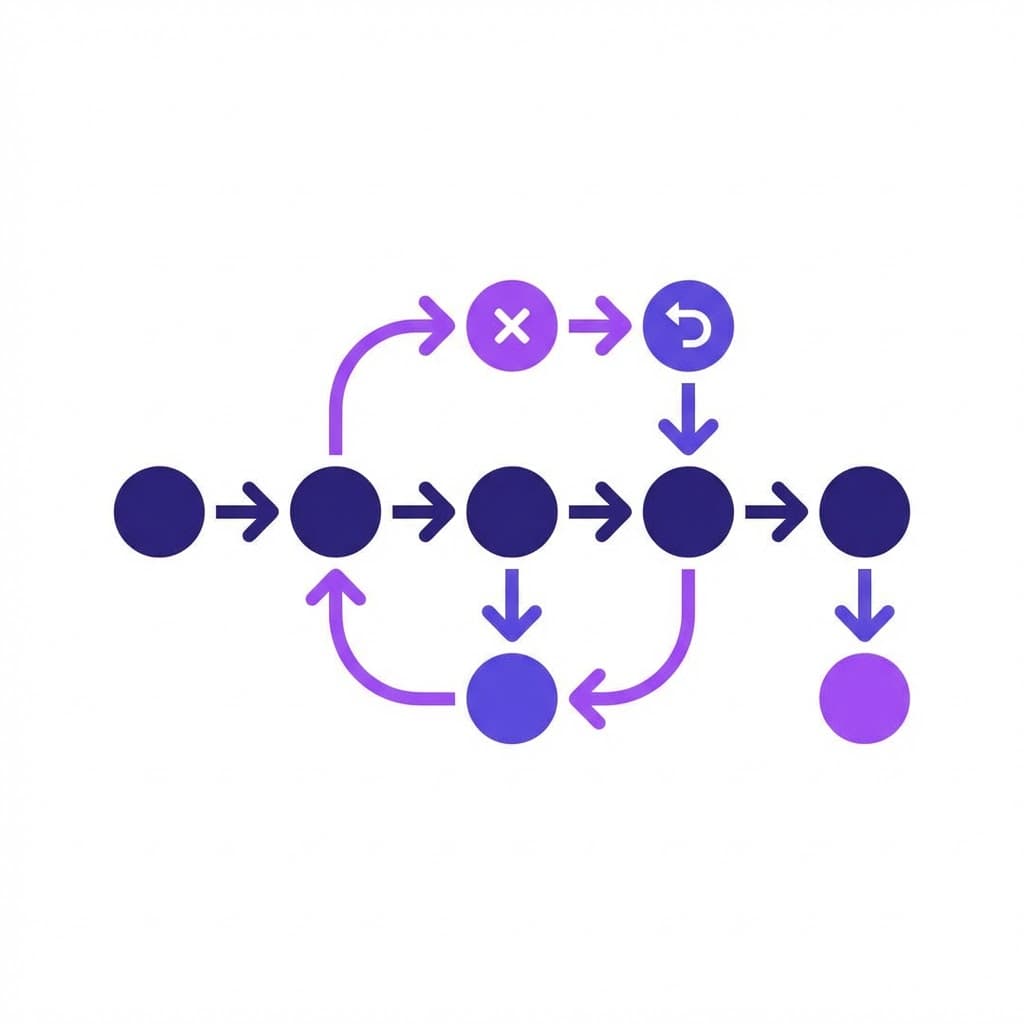
LLM Pipeline Orchestration
The Problem
Multi-step LLM workflows (extract → summarize → classify → store) fail silently when any step errors. Re-running the entire pipeline wastes tokens and time.
How TaskFlow Solves It
Enqueue each step as a separate job with a callback chain. If step 2 fails, TaskFlow retries it automatically with exponential backoff — without re-running steps 1 or 3.
# Step 1 triggers step 2 via callback
curl -X POST /api/jobs \
  -H "X-API-Key: tfq_..." \
  -d '{
    "task_url": "https://yourapp.com/extract",
    "payload": {"doc_id": "abc123"},
    "max_tries": 3
  }'

# Your /extract endpoint enqueues step 2 on success:
# POST /api/jobs { task_url: "/summarize", payload: {text: ...} }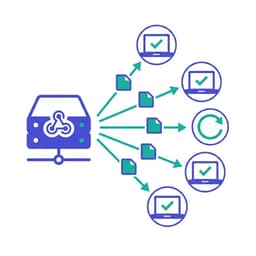
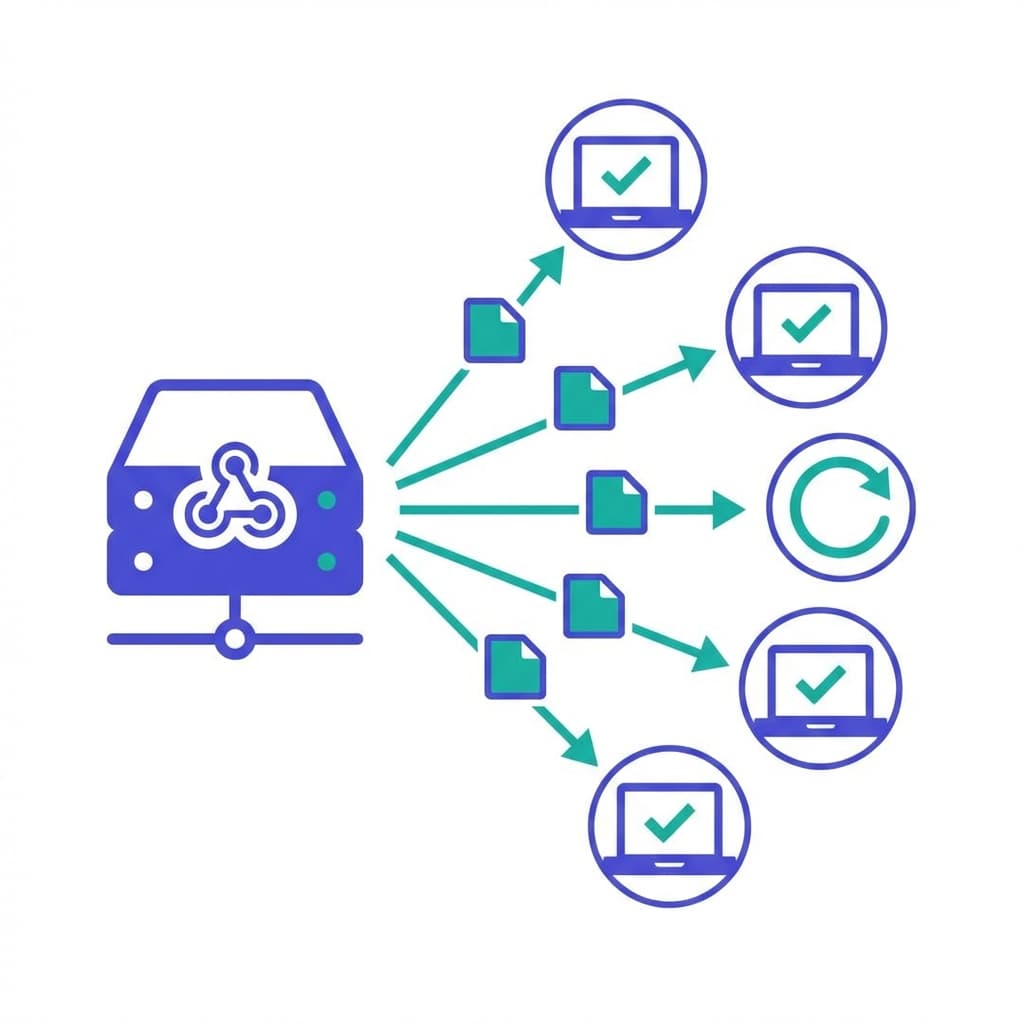
Webhook Relay for AI SaaS
The Problem
Your AI SaaS needs to notify customers when their processing job completes, but their endpoints are unreliable. Lost webhooks mean unhappy customers and manual retries.
How TaskFlow Solves It
Route all outbound webhooks through TaskFlow. If the customer's endpoint returns non-2xx, the job retries up to 10 times. Dead-letter queue catches everything else for inspection.
# Queue a customer webhook delivery
curl -X POST /api/jobs \
  -H "X-API-Key: tfq_..." \
  -d '{
    "task_url": "https://customer.com/webhook",
    "payload": {"event": "job.complete", "result": {...}},
    "max_tries": 10,
    "priority": 50
  }'
Batch AI Processing with Priority Queues
The Problem
Paid users expect faster processing than free users, but a single queue treats all jobs equally. Large batch jobs from free users block paid customers.
How TaskFlow Solves It
Set priority 80–100 for paid users, 0–20 for free. TaskFlow's priority queue ensures Pro/Team jobs are always processed first, even during peak load.

# Free user job (low priority)
{ "task_url": "/process", "priority": 10 }

# Pro user job (high priority)
{ "task_url": "/process", "priority": 80 }

# Team user job (highest priority)
{ "task_url": "/process", "priority": 100 }
Scheduled AI Agent Tasks
The Problem
Your AI agent needs to run recurring tasks (daily reports, weekly summaries, hourly data syncs) without managing a cron scheduler or dealing with timezone complexity.
How TaskFlow Solves It
Use delay_ms to schedule tasks. When a job completes, your callback re-enqueues the next run with the same delay_ms. Simple, reliable, no cron needed.
# Enqueue with 1-hour delay
curl -X POST /api/jobs \
  -d '{
    "task_url": "https://yourapp.com/daily-sync",
    "payload": {"report_date": "2024-01-15"},
    "delay_ms": 86400000
  }'

# Your /daily-sync callback re-enqueues for tomorrow:
# POST /api/jobs { delay_ms: 86400000, ... }
Reliable Third-Party API Integration
The Problem
Your AI pipeline calls external APIs (OpenAI, Anthropic, Stripe) that rate-limit or have transient failures. Failed calls break the entire pipeline and require manual intervention.
How TaskFlow Solves It
Wrap each external API call in a TaskFlow job. Rate-limit errors (429) and transient failures (5xx) trigger automatic retries with backoff. The dead-letter queue handles persistent failures.

# Wrap OpenAI call as a reliable job
curl -X POST /api/jobs \
  -d '{
    "task_url": "https://yourapp.com/call-openai",
    "payload": {"prompt": "...", "model": "gpt-4"},
    "max_tries": 5,
    "delay_ms": 1000
  }'

# Your handler retries gracefully on 429/5xxIdempotent Job Submission
The Problem
Network timeouts cause clients to retry failed requests. Without deduplication, you process the same job twice — duplicate charges, duplicate notifications, duplicate AI operations.
How TaskFlow Solves It
Pass an idempotency_key with each job. If a job with that key already exists for your account, TaskFlow returns it immediately instead of creating a duplicate. Safe retries, zero duplicates.
# First request — creates the job
curl -X POST /api/jobs \
  -H "X-API-Key: tfq_..." \
  -d '{
    "task_url": "https://yourapp.com/charge",
    "payload": {"user_id": "u_123", "amount": 99},
    "idempotency_key": "charge-u_123-2024-01-15"
  }'
# → {"job_id": "01JOB...", "status": "pending"}

# Client retries after timeout — same job returned
curl -X POST /api/jobs \
  -d '{...same idempotency_key...}'
# → {"job_id": "01JOB...", "status": "running"}